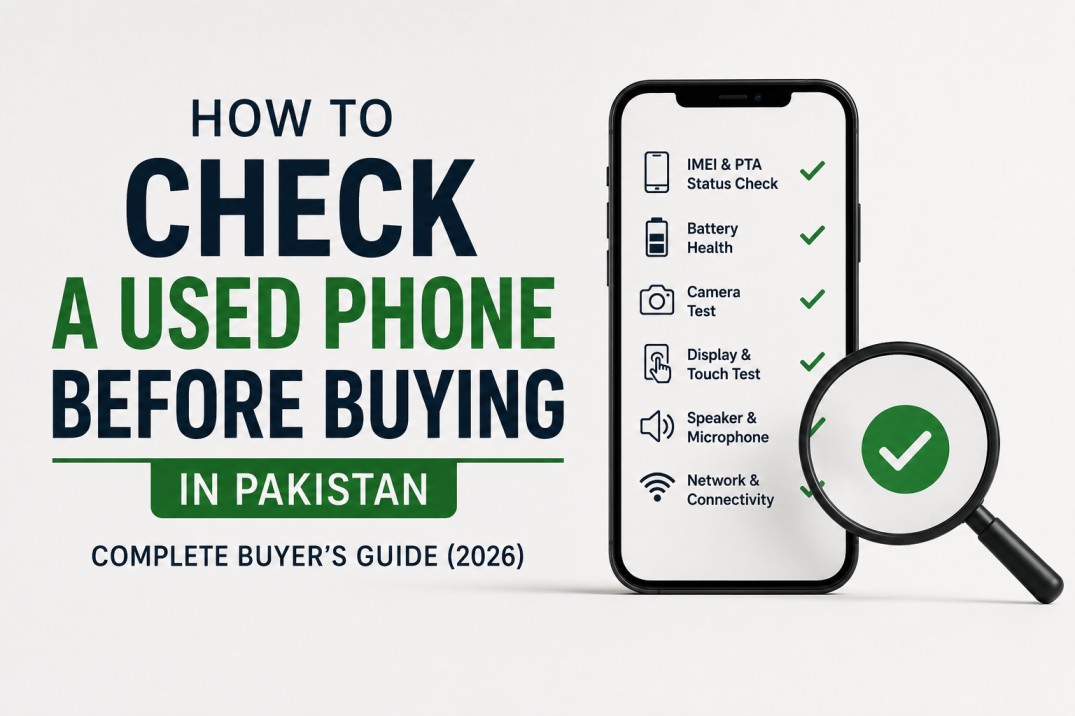
Buying a used smartphone in Pakistan can save a significant amount of money.
In many cases, a used flagship phone offers better value than a brand-new midrange device. A used Galaxy S23 Ultra, iPhone 14 Pro, or Google Pixel 8 can often outperform newer budget and midrange phones in cameras, performance, and display quality.
The problem is that not every used phone is a good deal.
Pakistan's used smartphone market has grown rapidly over the past few years. Alongside genuine sellers, there are also devices with hidden defects, replaced parts, battery problems, patched software, and PTA related issues.
Most buyers only check whether the phone turns on.
That is a mistake.
A phone can look perfectly fine on the outside while hiding problems that become obvious only after a few days of use.
This guide covers everything Pakistani buyers should check before spending money on a used smartphone.
New smartphones have become expensive.
PTA taxes, currency fluctuations, import costs, and rising global prices have pushed many flagship phones beyond the reach of average buyers.
As a result, many people now choose:
But only if you know what to look for.
Dial:
Now compare that IMEI with:
Mismatched IMEI information does not automatically mean fraud, but it should never be ignored.
Many buyers focus on hardware and forget about PTA approval until after making the purchase.
That mistake can become very expensive.
Verify whether the device is:
Do not accept vague answers like:
A phone that works today may face issues later if the approval method is unclear.
Many sellers hide screen defects because buyers often spend only a few seconds checking the display.
Open a plain white image and look for:
This is frequently seen on:
Open a drawing application or touchscreen test app.
Drag your finger across every corner of the display.
Check for:
Many buyers focus on cosmetics while ignoring battery health.
For iPhones:
That additional cost should be factored into the deal.
That is not enough.
Test:
Listen carefully.
Watch for:
Record a voice note and play it back.
Many phones have microphone issues after water exposure or improper repairs.
In many cases, a used flagship phone offers better value than a brand-new midrange device. A used Galaxy S23 Ultra, iPhone 14 Pro, or Google Pixel 8 can often outperform newer budget and midrange phones in cameras, performance, and display quality.
The problem is that not every used phone is a good deal.
Pakistan's used smartphone market has grown rapidly over the past few years. Alongside genuine sellers, there are also devices with hidden defects, replaced parts, battery problems, patched software, and PTA related issues.
Most buyers only check whether the phone turns on.
That is a mistake.
A phone can look perfectly fine on the outside while hiding problems that become obvious only after a few days of use.
This guide covers everything Pakistani buyers should check before spending money on a used smartphone.
Why Used Phones Are So Popular in Pakistan
The answer is simple.New smartphones have become expensive.
PTA taxes, currency fluctuations, import costs, and rising global prices have pushed many flagship phones beyond the reach of average buyers.
As a result, many people now choose:
- Used iPhones
- Used Samsung Galaxy S series phones
- Used Google Pixel devices
- CPID approved phones
- Factory unlocked imported devices
But only if you know what to look for.
Start With the IMEI Number
Before checking cameras, displays, or batteries, verify the phone's identity.Dial:
- *#06#
Now compare that IMEI with:
- The SIM tray (if printed)
- The phone box
- The seller's documentation
Mismatched IMEI information does not automatically mean fraud, but it should never be ignored.
Verify PTA Status Before Anything Else
This is one of the most important checks in Pakistan.Many buyers focus on hardware and forget about PTA approval until after making the purchase.
That mistake can become very expensive.
Verify whether the device is:
- Official PTA approved
- CPID approved
- Patched
- Non PTA
Do not accept vague answers like:
- "Network chal raha hai"
- "Server approved hai"
- "Tension nahi leni"
A phone that works today may face issues later if the approval method is unclear.
Inspect the Display Carefully
Display repairs are among the most expensive smartphone repairs.Many sellers hide screen defects because buyers often spend only a few seconds checking the display.
Open a plain white image and look for:
- Dead pixels
- Bright spots
- Yellow patches
- Screen burn in
- Uneven brightness
This is frequently seen on:
- Samsung Galaxy devices
- Google Pixel phones
- Older iPhones
Test the Touchscreen Completely
A display can look perfect while the touch layer has problems.Open a drawing application or touchscreen test app.
Drag your finger across every corner of the display.
Check for:
- Dead touch zones
- Unresponsive edges
- Delayed input
Check Battery Health Properly
Battery condition is one of the biggest differences between a good used phone and a bad one.Many buyers focus on cosmetics while ignoring battery health.
For iPhones:
- Check Battery Health in Settings
- Avoid devices with extremely degraded batteries
- Use battery diagnostic apps
- Check charging speed
- Observe battery drain during testing
That additional cost should be factored into the deal.
Inspect All Cameras
Many buyers open the camera app, take one photo, and consider the test complete.That is not enough.
Test:
- Main camera
- Ultra-wide camera
- Telephoto camera
- Front camera
- Video recording
- Focus problems
- Lens scratches
- Dust inside lenses
- Shaky stabilization
- Blurred corners
Check Speakers and Microphones
Play a YouTube video at high volume.Listen carefully.
Watch for:
- Crackling sounds
- Distortion
- Weak volume
- Uneven stereo output
Record a voice note and play it back.
Many phones have microphone issues after water exposure or improper repairs.
Test Every Physical Button
Press every button repeatedly.Check:
- Power button
- Volume buttons
- Alert slider (if available)
- Camera button (if applicable)
Loose or mushy buttons often indicate previous repairs or heavy wear.
Check Face ID, Fingerprint, and Biometrics
This step is extremely important.Especially on iPhones.
Face ID repairs can be expensive and sometimes impossible depending on the issue.
Verify:
- Face ID works properly
- Fingerprint scanner works consistently
- Biometric setup completes normally
Test them yourself.
Inspect the Frame and Body
Cosmetic condition matters for both usability and resale value.Look for:
- Dents
- Deep scratches
- Frame separation
- Cracked glass
- Bent corners
Major drops often leave evidence there.
A pristine display combined with heavily damaged corners can suggest screen replacement after a drop.
Look for Signs of Water Damage
Water damage can create problems months after purchase.Common warning signs include:
- Foggy camera lenses
- Corrosion around ports
- Distorted speakers
- Random restarts
- Display discoloration
The real problems often appear later.
Check Charging and Connectivity
Bring a charger and test it.Verify:
- Charging works normally
- Fast charging functions correctly
- Wi-Fi connects properly
- Bluetooth works
- Mobile network functions correctly
- GPS detects location
Ask About Repairs
One of the most useful questions is also one of the simplest.Ask:
- Has the screen been replaced?
- Has the battery been replaced?
- Has the motherboard been repaired?
- Has the phone ever been opened?
The important thing is knowing what was repaired and why.
Honest sellers usually have no problem discussing repair history.
Should You Buy From Shops or Individuals?
Both options have advantages.Mobile shops often offer:
- Short checking warranties
- Physical location
- More inventory choices
- Lower prices
- Direct ownership history
- Room for negotiation
The inspection process remains the same.
Red Flags That Should Make You Walk Away
Some warning signs should immediately raise concern.Be cautious if the seller:
- Refuses IMEI verification
- Cannot explain PTA status
- Rushes the transaction
- Refuses camera testing
- Claims everything is "just software"
- Offers a suspiciously low price
The Best Used Phones to Consider in Pakistan
Depending on your budget, strong options include:- Samsung Galaxy S23 Ultra
- Samsung Galaxy S24 Ultra (CPID variants)
- Google Pixel 8
- Google Pixel 8 Pro
- iPhone 13 Pro
- iPhone 14 Pro
- OnePlus 11
- OnePlus 12R
Final Verdict
Buying a used phone in Pakistan can be one of the smartest ways to save money.A carefully selected used flagship often delivers a better experience than a brand-new midrange phone.
The key is patience.
Never let a seller rush your decision.
Check the IMEI.
Verify PTA status.
Test the display.
Inspect the cameras.
Confirm battery health.
And most importantly, ask questions.
A ten minute inspection can save thousands of rupees and prevent months of frustration later.
The best used phone buyers are not experts in smartphones.
They are simply the people who take the time to check everything before handing over their money.
SponsoredAdChoices (i)
Compare Smartphone Specs Instantly
Confused which flagship device is perfect for your needs? Use our automated, side-by-side spec comparison system to check benchmark hardware, battery capacities, and pricing models.
Start ComparingThanks for reading!
Join our community for the latest mobile tech news and expert smartphone comparisons.